Ledger Wallet Ledger Wallet is a hardware wallet that allows you to store your cryptocurrency offline. This means your private keys are never exposed to the internet, making them much more secure than if stored on a hot wallet, such as a web wallet or mobile app. Ledger Wallet is a small,…
Ledger Wallet is a hardware wallet that allows you to store your cryptocurrency offline. This means your private keys are never exposed to the internet, making them much more secure than if stored on a hot wallet, such as a web wallet or mobile app.
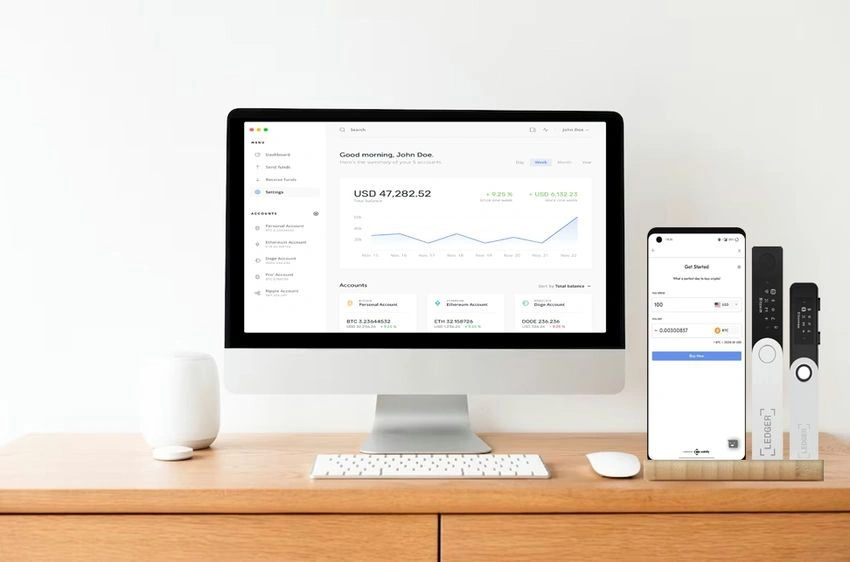
A ledger web wallet or mobile application
Ledger Wallet is a small, USB-connected device you can plug into your computer. When you want to access your cryptocurrency, you simply plug in the Ledger Wallet and enter your PIN. The Ledger Wallet will then display a confirmation message on its screen, which you must approve before you can access your funds.
Ledger Wallet supports a wide range of cryptocurrencies, including Bitcoin, Ethereum, Litecoin, and many others. It is also open source, which means that the code is freely available for anyone to review. This makes Ledger Wallet one of the most secure and transparent hardware wallets on the market.
Here are some of the advantages of using Ledger Wallet:
High security: Your private keys are never exposed to the internet, making them much more secure than if they were stored on a hot wallet.
Open source: The code is freely available for anyone to review, which makes Ledger Wallet one of the most transparent hardware wallets on the market.
Easy to use: Ledger Wallet is very easy to use, even for beginners.
Wide range of supported cryptocurrencies: Ledger Wallet supports a wide range of cryptocurrencies, including Bitcoin, Ethereum, Litecoin, and many others.
Built-in screen: The Ledger Nano X model has a built-in screen, which makes it easier to confirm transactions and manage your funds.
Bluetooth connectivity: The Ledger Nano X model also has Bluetooth connectivity, which allows you to connect it to your phone or tablet.
If you are looking for a secure and easy-to-use hardware wallet with a wide range of features, Ledger Wallet is a great option.
Here are some of the disadvantages of using Ledger Wallet:
A seed phrase is 12 or 24 words that act as the master key to your whole wallet — import them anywhere and you regain the same accounts. Lose it and funds are gone; expose it and they're stolen. Store it offline, and never give it to anyone.
Cost: Ledger Wallet is a bit more expensive than other hardware wallets.
Requires a computer: You need to connect Ledger Wallet to a computer to use it, which can be inconvenient if you are not always near a computer.
Limited support for dApps: Ledger Wallet does not currently support decentralized applications (dApps).
Overall, Ledger Wallet is a great hardware wallet that offers a high level of security and ease of use. However, it is a bit more expensive than other hardware wallets and does not currently support dApps.
Trezor Wallet
Trezor is a hardware wallet that allows you to store your cryptocurrency offline. This means that your private keys are never exposed to the internet, making them much more secure than if they were stored on a hot wallet, such as a web wallet or mobile app.
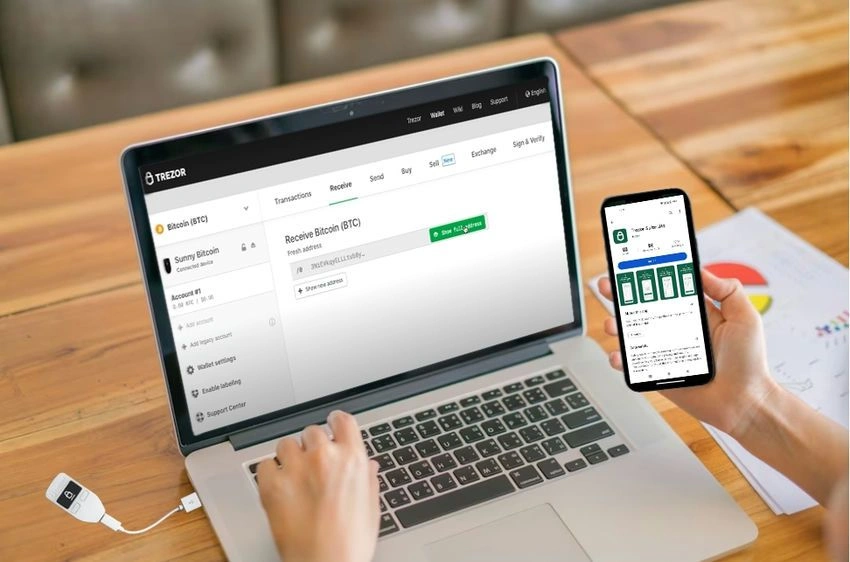
Trezor web wallet or mobile application
Trezor is a small, USB-connected device you can plug into your computer. When you want to access your cryptocurrency, you simply plug in the Trezor and enter your PIN. The Trezor will then display a confirmation message on its screen, which you must approve before you can access your funds.
Trezor supports a wide range of cryptocurrencies, including Bitcoin, Ethereum, Litecoin, and many others. It is also open source, which means that the code is freely available for anyone to review. This makes Trezor one of the most secure and transparent hardware wallets on the market.
Here are some of the advantages of using Trezor Wallet:
High security: Your private keys are never exposed to the internet, making them much more secure than if they were stored on a hot wallet.
Open source: The code is freely available for anyone to review, which makes Trezor one of the most transparent hardware wallets on the market.
Easy to use: Trezor is very easy to use, even for beginners.
Wide range of supported cryptocurrencies: Trezor supports a wide range of cryptocurrencies, including Bitcoin, Ethereum, Litecoin, and many others.
If you are looking for a secure and easy-to-use hardware wallet, Trezor is a great option.
Here are some of the disadvantages of using Trezor Wallet:
Cost: Trezor is a bit more expensive than some other hardware wallets.
No built-in screen: The Trezor One model does not have a built-in screen, so you have to rely on your computer to display confirmation messages.
Limited support for dApps: Trezor does not currently support decentralized applications (dApps).
Overall, Trezor is a great hardware wallet that offers high security and ease of use. However, it is a bit more expensive than some other hardware wallets and does not currently support dApps.
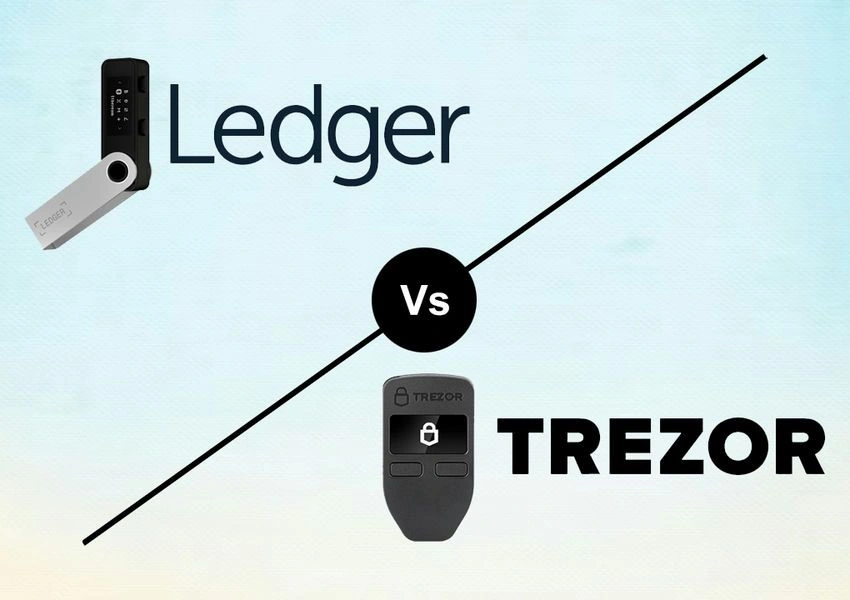
Here are the pros and cons of Trezor and Ledger wallets.
Pros and Cons: Ledger vs Trezor
Ledger pros and cons
Pros:
Wide range of features, including a built-in screen, Bluetooth connectivity, and support for decentralized applications (dApps)
More secure than Trezor due to its Secure Element chip
Supports a wide range of cryptocurrencies than Trezor
Cons:
Closed-source hardware and software
More expensive than Trezor
Ledger used to get hacked maximum
Trezor pros and cons
Pros:
Open-source hardware and software
Supports a wide range of cryptocurrencies
Simple to use
Secure
Cons:
No built-in screen
Fewer features than Ledger
Overall
Both Trezor and Ledger are excellent hardware wallets that offer high security for your cryptocurrency. However, Ledger has a slight edge in features and security, making it the overall winner.
Here is a table that summarizes the key differences between Trezor and Ledger:
Feature
Trezor
Ledger
Types of wallet
Cold
Cold
Supported Cryptocurrencies
1,800+
1,800+
Purchase Price
$69 to $219
$79 to $279
Incorporated Exchange
Yes
Yes
Bluetooth Connectivity
No
Yes
Built-In Screen
No
Yes
Open-Source Hardware And Software
Yes
No
Device Size
One: 60 mm x 30 mm x 6 mm, 12 g Model T: 64 mm x 39 mm x 10 mm, 22 g
Nano S Plus: 62.39 mm × 17.40 mm × 8.24 mm, 21 g Nano X: 72 mm × 18.6 mm × 11.75 mm, 34 g Stax: 85 mm x 54 mm x 6 mm, 45.2 g
Support For DApps
No
Yes
Security
Very High
High
Latest Function To Market
No
Yes
Which one should you buy?
If you are looking for a secure and feature-rich hardware wallet, Ledger is the better choice. However, if you are on a budget or prefer open-source hardware and software, Trezor is a good option.
Ultimately, the best hardware wallet for you depends on your individual needs and preferences. I hope this comparison has helped you make a decision.
Conclusion
Ledger and Trezor are two of the most reputable hardware wallet manufacturers in the cryptocurrency space, offering secure and user-friendly solutions for storing digital assets. Both wallets provide robust security features and support a wide range of cryptocurrencies, making them popular choices among crypto enthusiasts.
Choosing between Ledger and Trezor depends on individual preferences, supported cryptocurrencies, and desired features. Both wallets have their strengths, with Ledger offering a broader selection of supported coins and Trezor being open-source and more transparent in its design.
Ultimately, regardless of the chosen hardware wallet, using a hardware wallet is highly recommended for securely storing cryptocurrencies, especially for long-term holdings and larger amounts.
FAQs
Q. What is a hardware wallet? A. A hardware wallet is a physical device designed to store and manage cryptocurrencies securely. It keeps the private keys offline, reducing the risk of theft and unauthorized access, making it one of the safest ways to store digital assets.
Q. Which wallet is more secure: Ledger or Trezor? A. Ledger and Trezor offer strong security features, including PIN codes, passphrase protection, and secure element chips. The security level is high for both wallets, and any security vulnerabilities are promptly addressed by regular updates and patches.
Q. Can I store all cryptocurrencies on Ledger and Trezor wallets? A. Ledger and Trezor support a wide variety of cryptocurrencies, including major ones like Bitcoin and Ethereum, as well as numerous altcoins. However, the specific list of supported cryptocurrencies may vary between the two wallets, so it’s essential to check their official websites for the latest supported assets.
Q. How do hardware wallets compare to software wallets? A. Hardware wallets offer significantly higher security compared to software wallets, which are connected to the internet and vulnerable to potential hacks and malware attacks. Software wallets are more convenient for frequent transactions, while hardware wallets are more suitable for long-term storage and larger amounts of cryptocurrencies.
Q. What happens if I lose my hardware wallet? A. If you lose your hardware wallet, you can use the recovery seed (a list of randomly generated words) provided during the initial setup to regain access to your funds. It’s crucial to keep the recovery seed in a secure place, as anyone with access to it can potentially access your cryptocurrencies.
A bridge moves value between blockchains by locking an asset on one chain and minting a representation on another. They get hacked because they concentrate value and depend on flawless keys, contracts and proofs — as Ronin (~$600M) and Wormhole (~$320M) showed.
DeFi provides financial services — trading, lending, borrowing — through public smart contracts instead of banks. It's permissionless, non-custodial and composable, with borrowing secured by over-collateralisation rather than credit checks, and no safety net if code fails.