
MetaMask is a popular cryptocurrency software wallet. Except for Bitcoin, practically every DeFi program and almost every blockchain interface with it. Web3Universe tells you how to add Optimism to MetaMask in this guide.
What is optimism?
Optimism is a Layer 2 (or “L2”) blockchain that helps the Ethereum base layer (or Layer 1) scale by allowing for cheaper and quicker transactions while retaining Ethereum’s security. Optimism was created to make it easier to begin EVM-compatible projects.
Optimism is an “Optimistic Rollup,” which allows the network to execute transactions quicker by using the security of the Ethereum network’s foundation layer. Consider it similar to constructing a home within a secure gated community. You don’t need to install security cameras or acquire guard dogs because the place is already so safe.
Optimism
Layer 2 blockchains provide scaling solutions for Layer 1 (or “L1”) blockchains. Optimism is a scaling solution for Ethereum in this scenario. Layer 1 blockchains are the primary, or foundational, blockchains. Transactions from Layer 1 chains can be processed on another blockchain, requiring the original chain to keep a summary of the completed operations. This dramatically reduces the blockchain’s needs, boosting scalability and cutting gas expenses.
The Optimism Foundation, a non-profit, is in charge of managing optimism. The Optimism Collective is the two-tier governing system of Optimism, consisting of the Token House and the Citizens’ House. Token House participants can be OP owners.
The first step is to configure your METAMASK WALLET.
What is Metamask?
While there are other wallet services available, Metamask is a cryptocurrency wallet that works with practically all Ethereum-based platforms. With over 21 million monthly active users, Metamask is by far the most popular.
Metamask
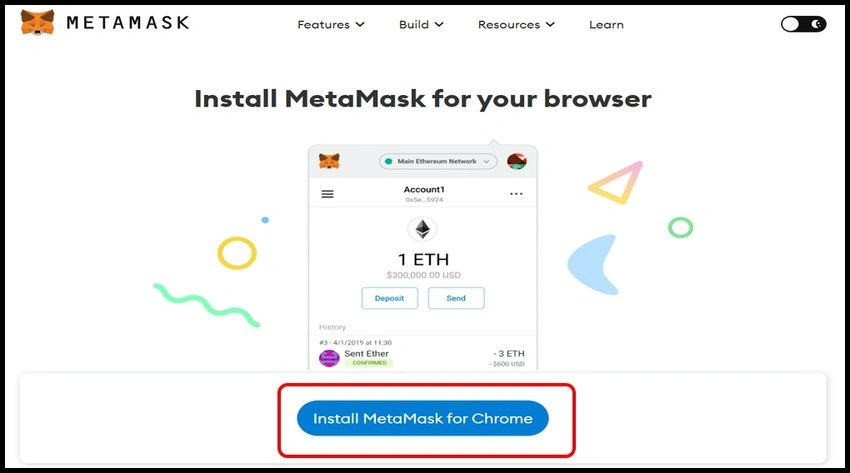
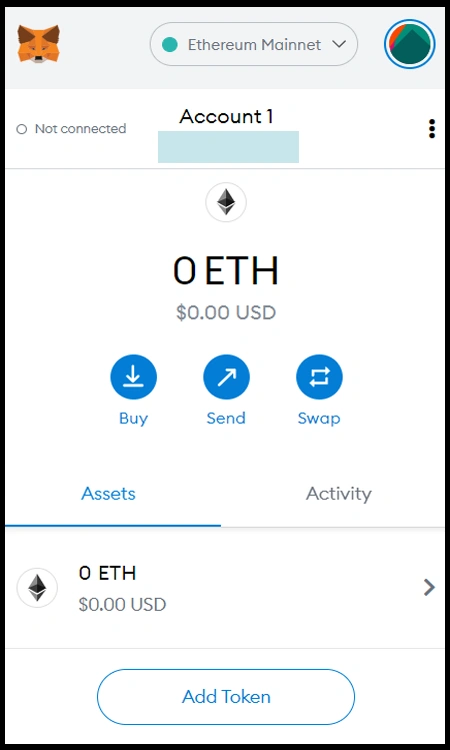
MetaMask is a digital wallet service available via a smartphone app or web browser plugin. This implies that, like an ad blocker extension, it may be downloaded directly onto your phone or the Google, Chrome, Mozilla, Firefox, or Edge browser. The metamask function simply means that it is always linked to the internet, allowing you to move your crypto assets at any time after downloading them.